
Instantly connect with your NFC card
Share your data instantly with just one tap.
Place your card on the back of the phone and wait 2 seconds
Tap the popup and access!
Your NFC sticker, always ready to connect
Activate with a single tap and instantly share your digital card.
Place your sticker on the back of the phone
Bring another phone close to the sticker and share it instantly!
Is your card not responding?
The NFC may be deactivated, or you might need to use an alternative. Try one of these options.
Activate NFC in your phone settings
Your physical card is linked to your digital card and updates automatically. Just enable NFC in the device settings and bring it close.
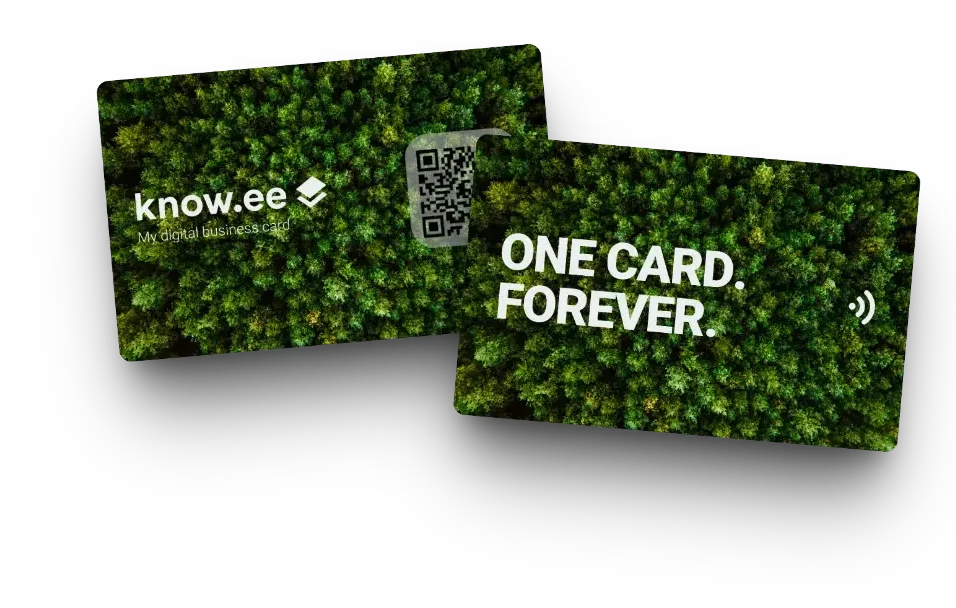
Scan your card's QR code
If NFC is not available, use the QR code on your card. Any NFC-compatible phone or tablet will instantly open your digital card.
Do you have more questions?
Contact support and we’ll help you with everything you need.
Want to see more detailed tutorials? Subscribe to our YouTube channel.